
Project Node
The Project node displays the configuration file currently loaded in Ion Configuration Manager. An individual project file (.BCX file extension) contains all of the configuration information needed for a given set of rules and Profiles. Ion Configuration Manager is designed to load one project per instance. Loading multiple projects can be done by opening each project in another Ion Configuration Manager instance. Rules and Profiles (and individual configuration items that make up a Profile) can be copied and pasted between projects.

Loading a project (or creating a new project) brings up the Project details in the Content Pane.
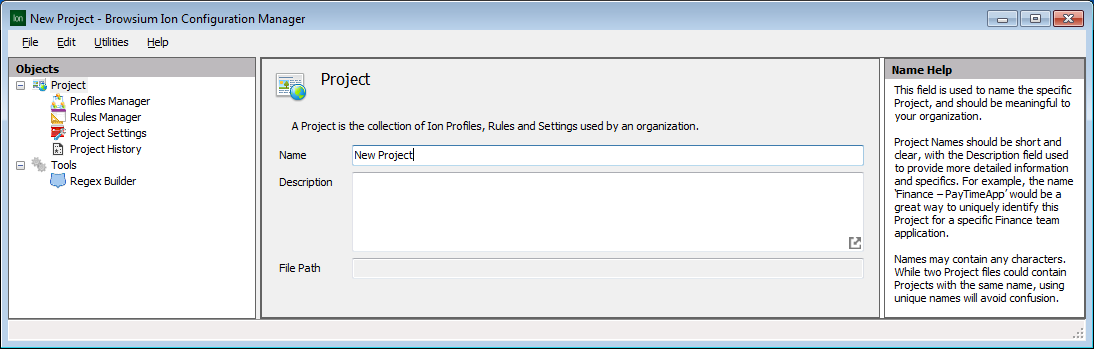
Project details (Name and Description) can be edited on this screen. Projects are assigned a default name and a blank description and should be edited to reflect information and labeling relevant to your organization. The project’s File Path is blank until you save the project file. This field cannot be edited but will be updated automatically if the project is saved to a new location.
Use Save Project from the File menu to save a project for future editing or deployment.
