
License Page
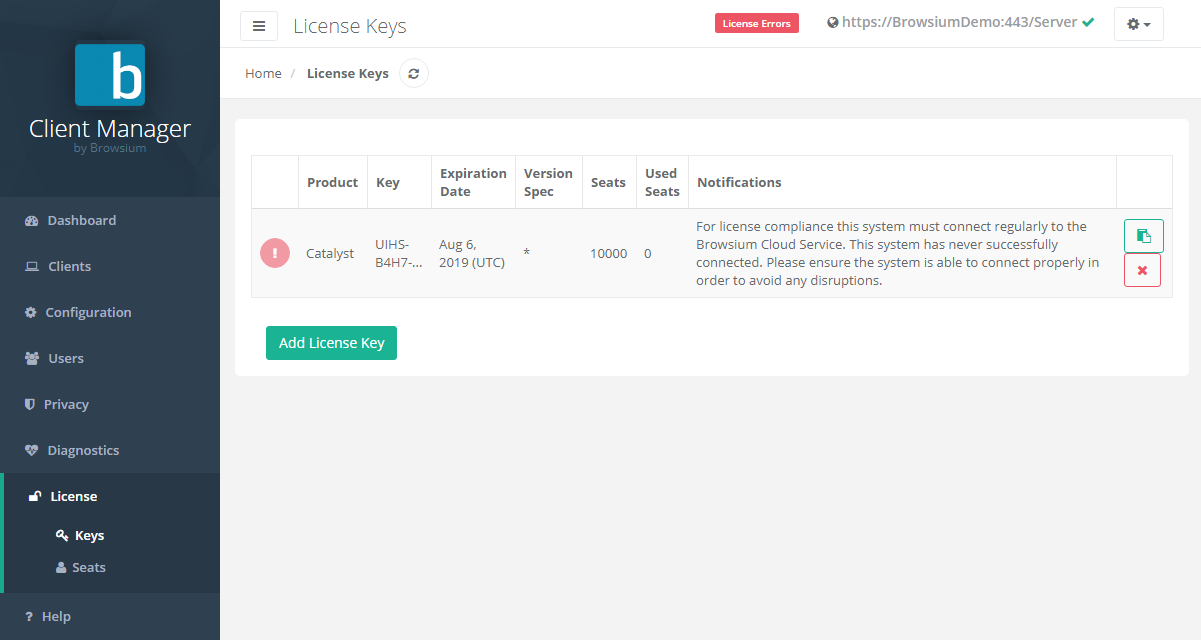
The License page is used for managing Browsium software licenses, all in one place. Licenses can be added during BCMS installation, or anytime. If licenses were added during installation they will be displayed here.
To add licenses, see section 4.3. If there is reason to remove a license key, simply click the red ‘X’. To copy your license key to the clipboard, click the green logo.
In addition to license management, this node displays usage data on seat counts. This example also shows a client which was rejected by the server.
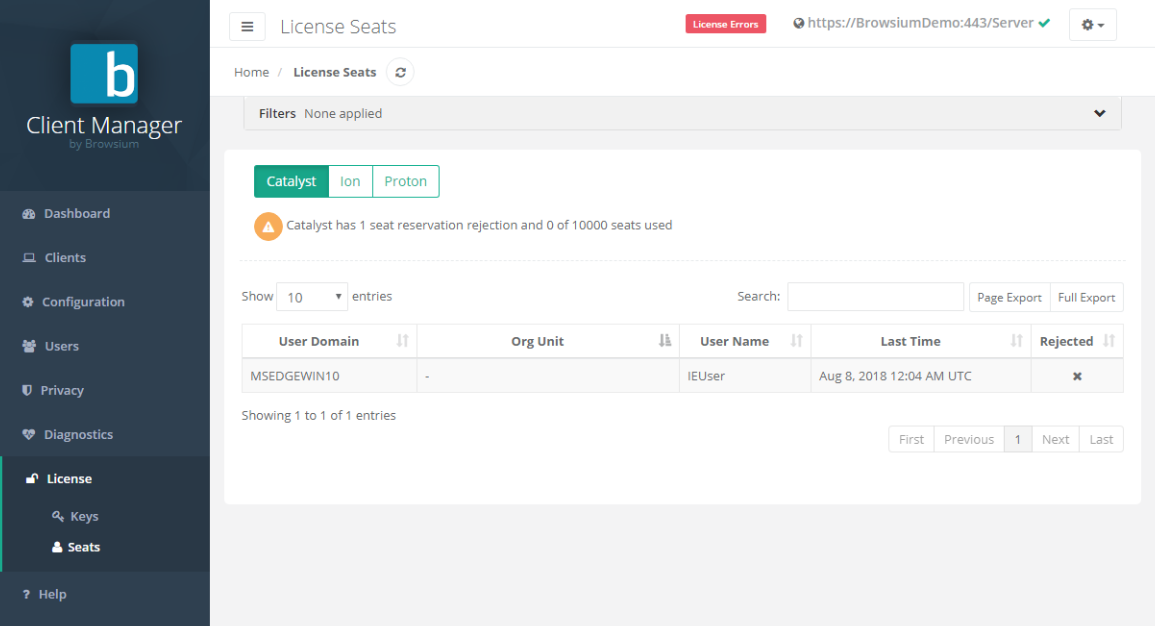
Organizations can use this interface to know how many clients/seats are being used, how many remain and refer to exactly which machines are using licenses. See the next section to learn more about how to search, sort and export client views.