
Clients Section
The Clients section of the navigation bar provides access to detailed client data for the Browsium client machines connected to your BCMS server.
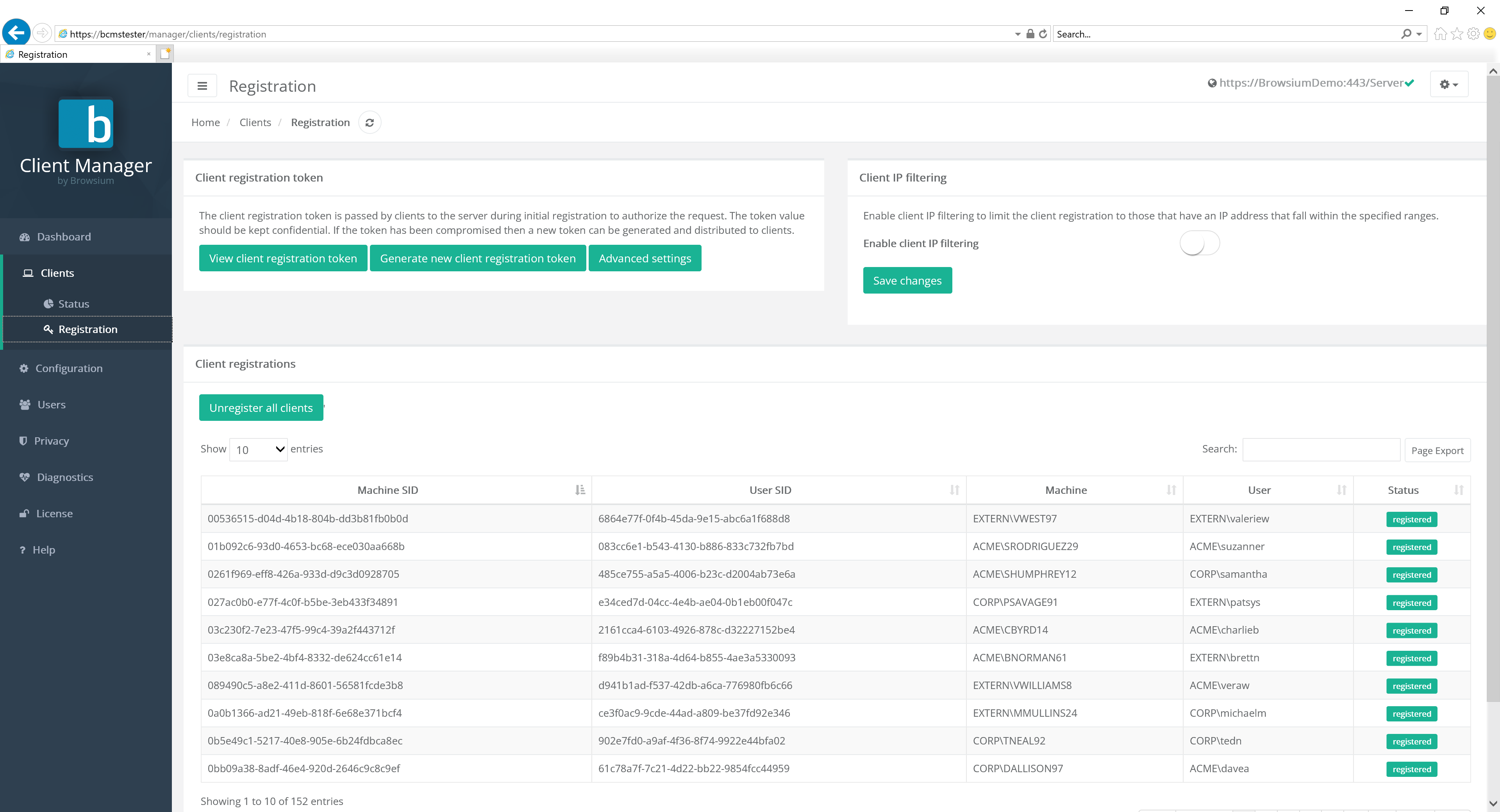
Status
Section titled “Status”The Status page will display all Browsium clients that are, or have, connected to the server. The Status graph shows a high-level view of machines that are in Error state, those Offline and those Online. This information is critical for a general view of client and system health across the organization. The Client table detail view provides information on the specifics of each installed, licensed client in the organization. The information displayed provides details on the user and machine as well as available Active Directory. The table also shows when the client last connected and the status of each unique Browsium client installation.
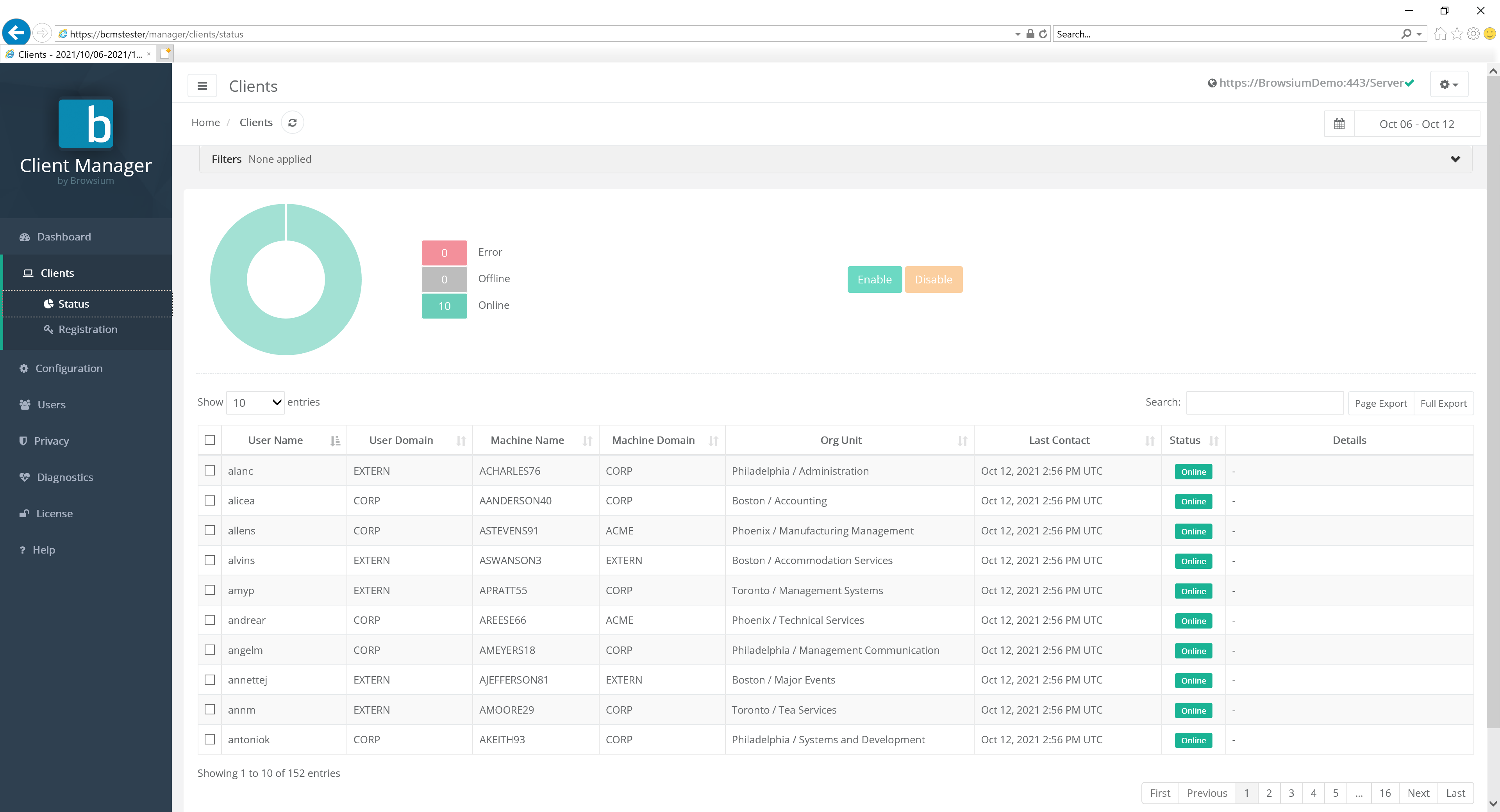
You can narrow the list of clients by typing search criteria into the search bar
To disable data collection from a specific client, check the box next to it in the list and click the ‘Disable’ button. This will prevent that client from uploading any data in the future. Note that existing data already uploaded by that client will remain and will not be removed or filtered. Client data upload can be re-enabled by selecting the appropriate clients and selecting ‘Enable’.
For a full report on a specific client, click the entry in the list to see a basic view of client inventory. The standard view includes client status, OS and TPM version as well as any installed Browsium software.
For more detailed client inventory and full view of web application, browser add-ons, ActiveX, Java and Web activity, customers should purchase and install Browsium Proton. Once deployed, Proton will enhance this view with the additional information.
Registration
Section titled “Registration”The Client Registration page provides features and information to ensure the BCMS system and clients properly communicate. The upper left portion of the page is used to manage the unique registration token used by the organization for this Browsium client installation. Client token validation ensures only authorized clients are communicating with the BCMS server and consuming licenses. To provide additional protections against unauthorized connectivity, clients can further be limited from connecting by limiting to a defined IP range. The lower portion of the screen provides information on the unique Machine and User SIDs generated with each user and client machine.
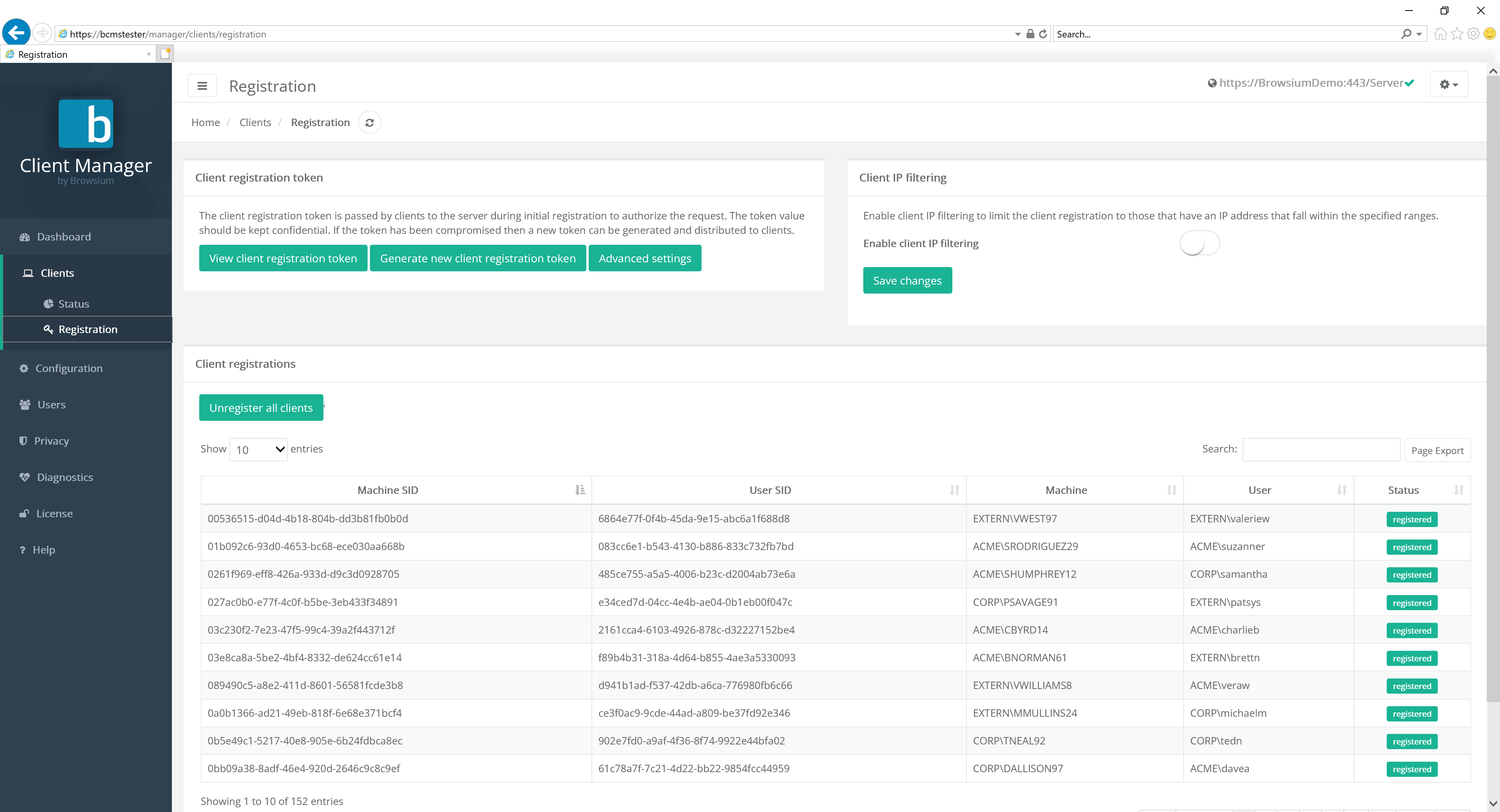
Client Registration Tokens
Section titled “Client Registration Tokens”Client registration tokens restrict which clients are allowed to connect to the Browsium Client Management System. If configured, only clients with a specific token will be allowed to connect - clients without the correct client registration token are not allowed to activate any products.
Clients without the correct registration token cannot upload Proton data.

The View client registration token button displays the client registration token and also provides a link to download the client registration token file for deployment.
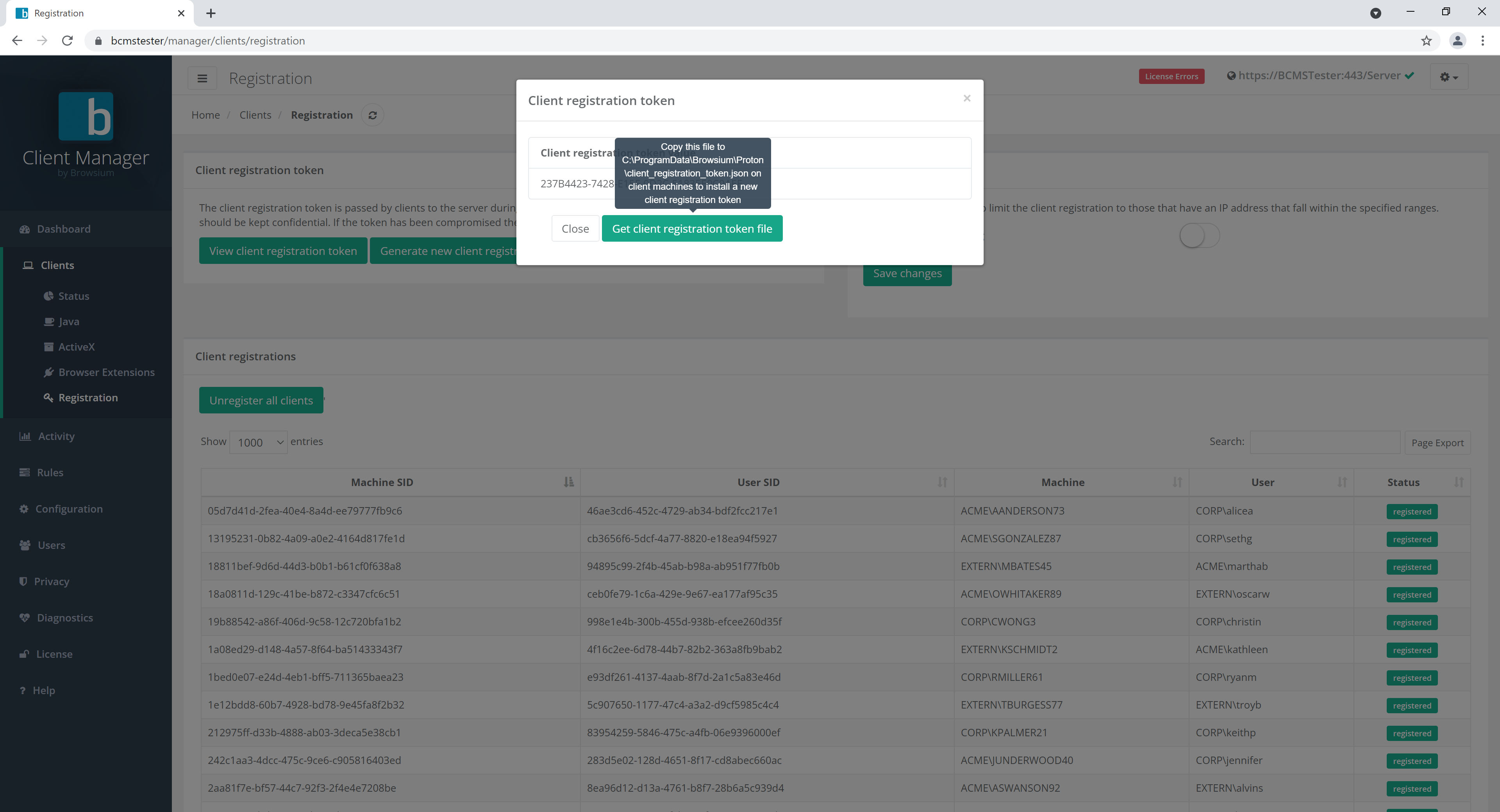
The Generate new client registration token button does exactly that - generates a new client registration token.
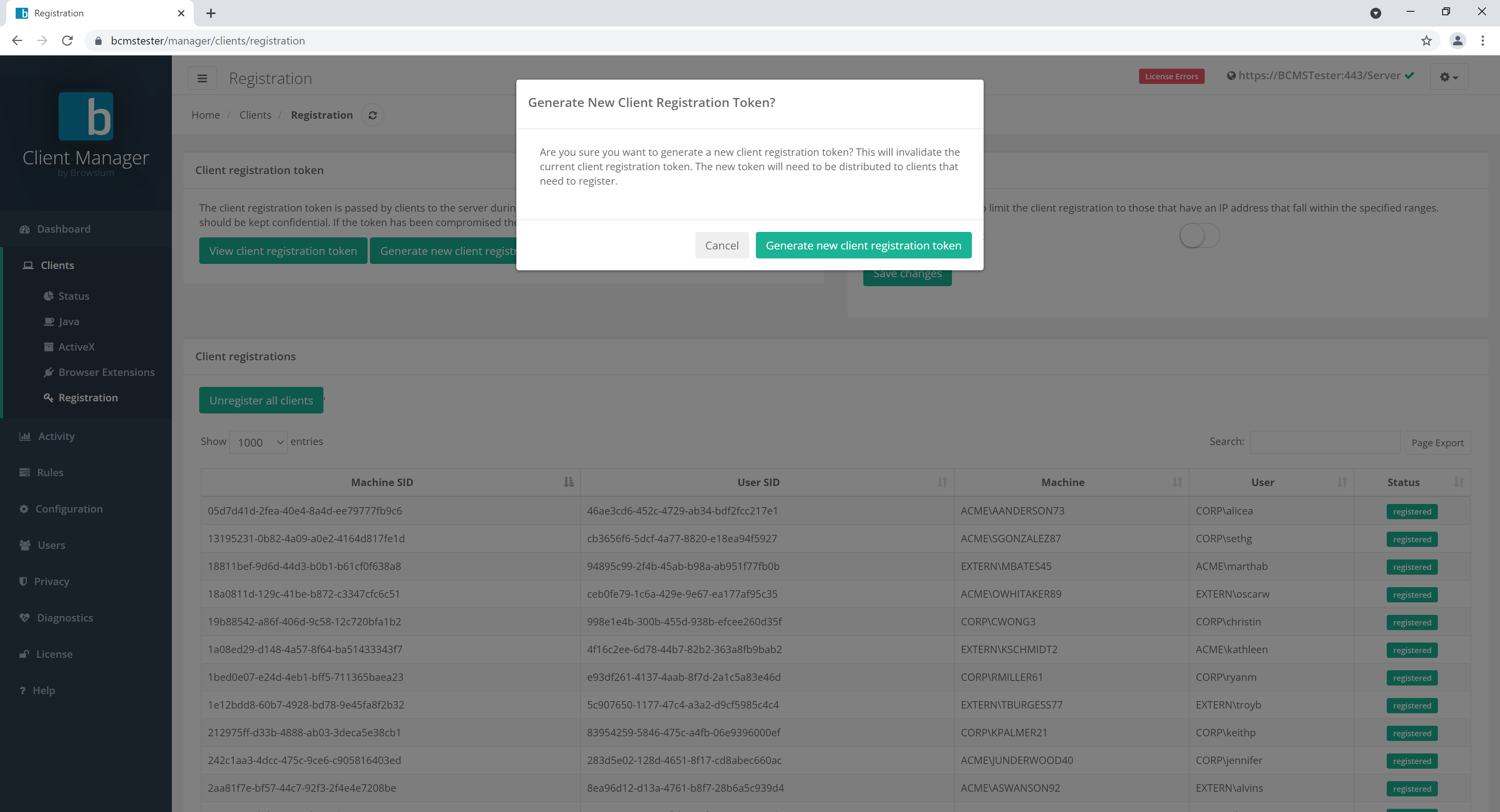
Clients with the old token will become immediately unregistered when at the next interval check-in. The interval check-in values are set on the Configuration page. Generating a new client registration token should only be done as part of a new deployment or if the original token becomes compromised.
The Advanced settings button offers options for customers to enable features that may be required for some installation scenarios.
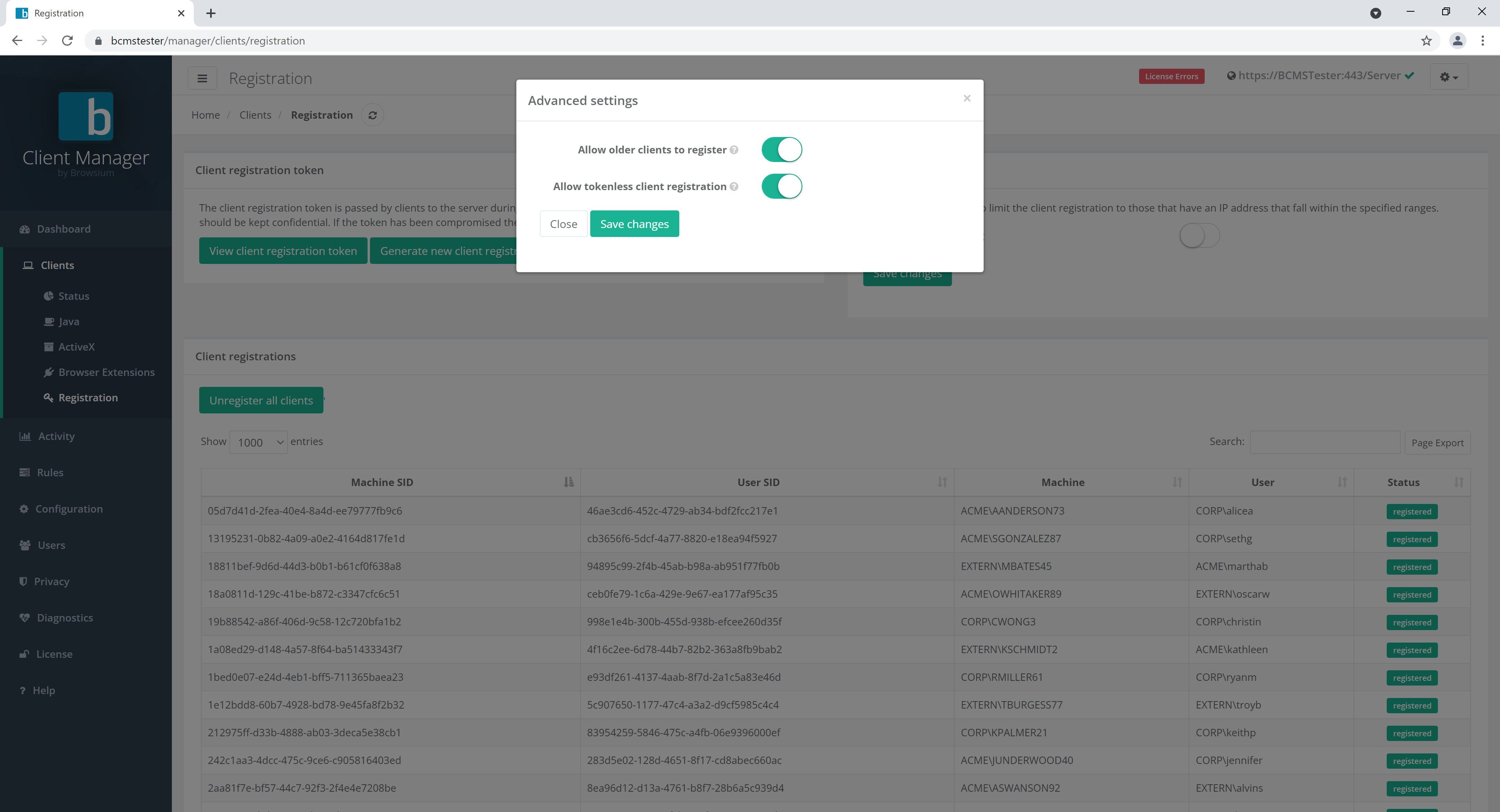
- Allow older clients to register. Enable this setting if you have Browsium Client 4.3 or earlier installed in your environment as those versions did not support client registration tokens.
Browsium Client versions 4.3 and earlier are no longer supported.
- Allow tokenless client registration. If enabled, clients without the client registration token will still be able to register.
Tokenless registration could allow for unauthorized clients to connect to BCMS. Do not enable this option if company security or regulatory requirements prohibit unauthorized or unauthenticated connections to company systems.
Client IP Filtering
Section titled “Client IP Filtering”This section allows you to configure which clients may register with BCMS based on their IP address. Both ranges and/or single IP addresses can be added.
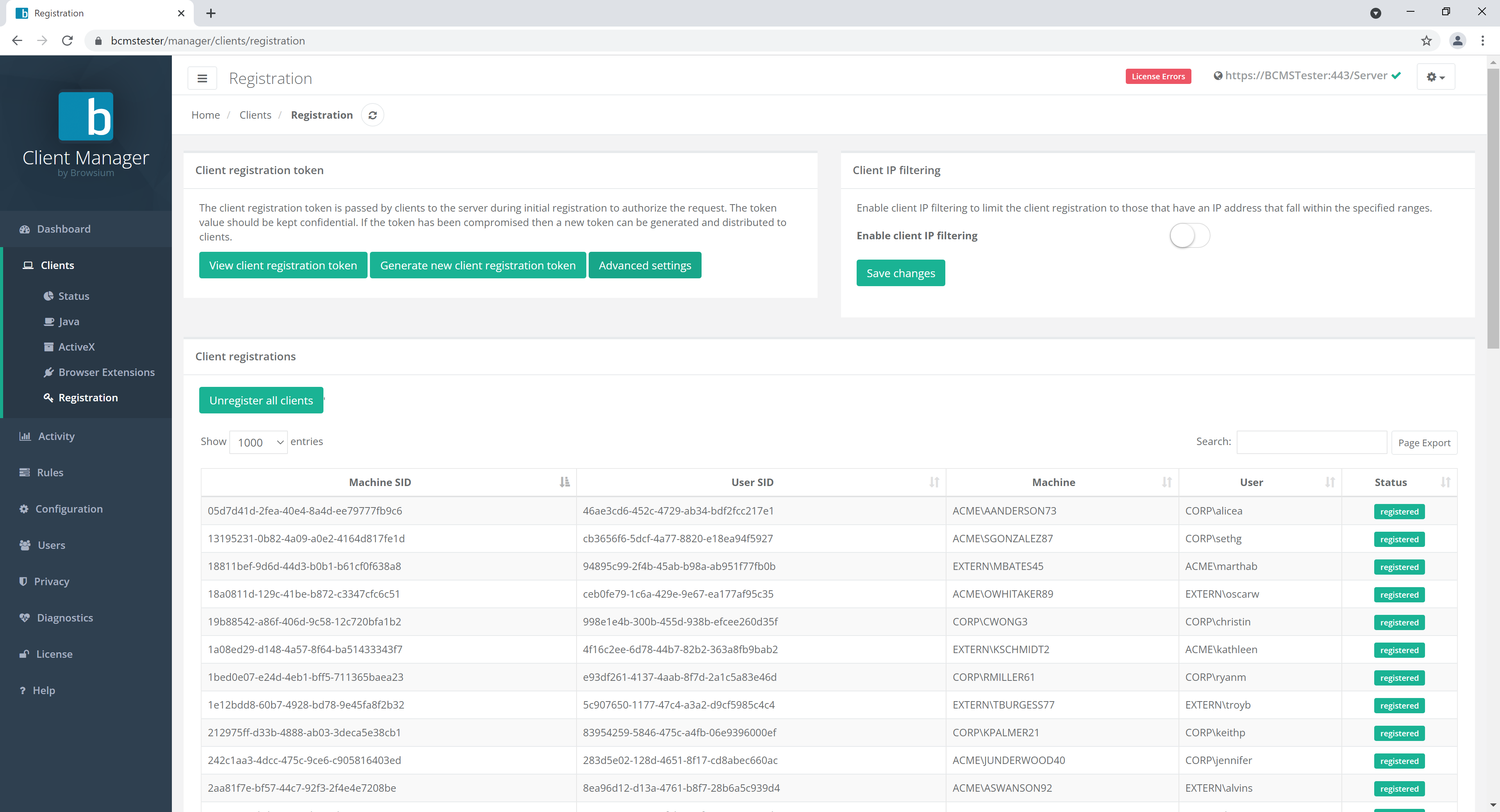
If enabled, clients that do not match configured address ranges will not be able to register.
Client Registrations
Section titled “Client Registrations”This section allows you to see all clients that are registered with BCMS. You can also unregister all clients here.